Does a small business need an AI policy?
- AI policy
- AI governance
- Workplace AI rules
Short answer: Yes, and one page is enough. It says a person stays in charge, everyone uses one company AI tool, private information stays out, and one person approves anything new.
What goes on the page?
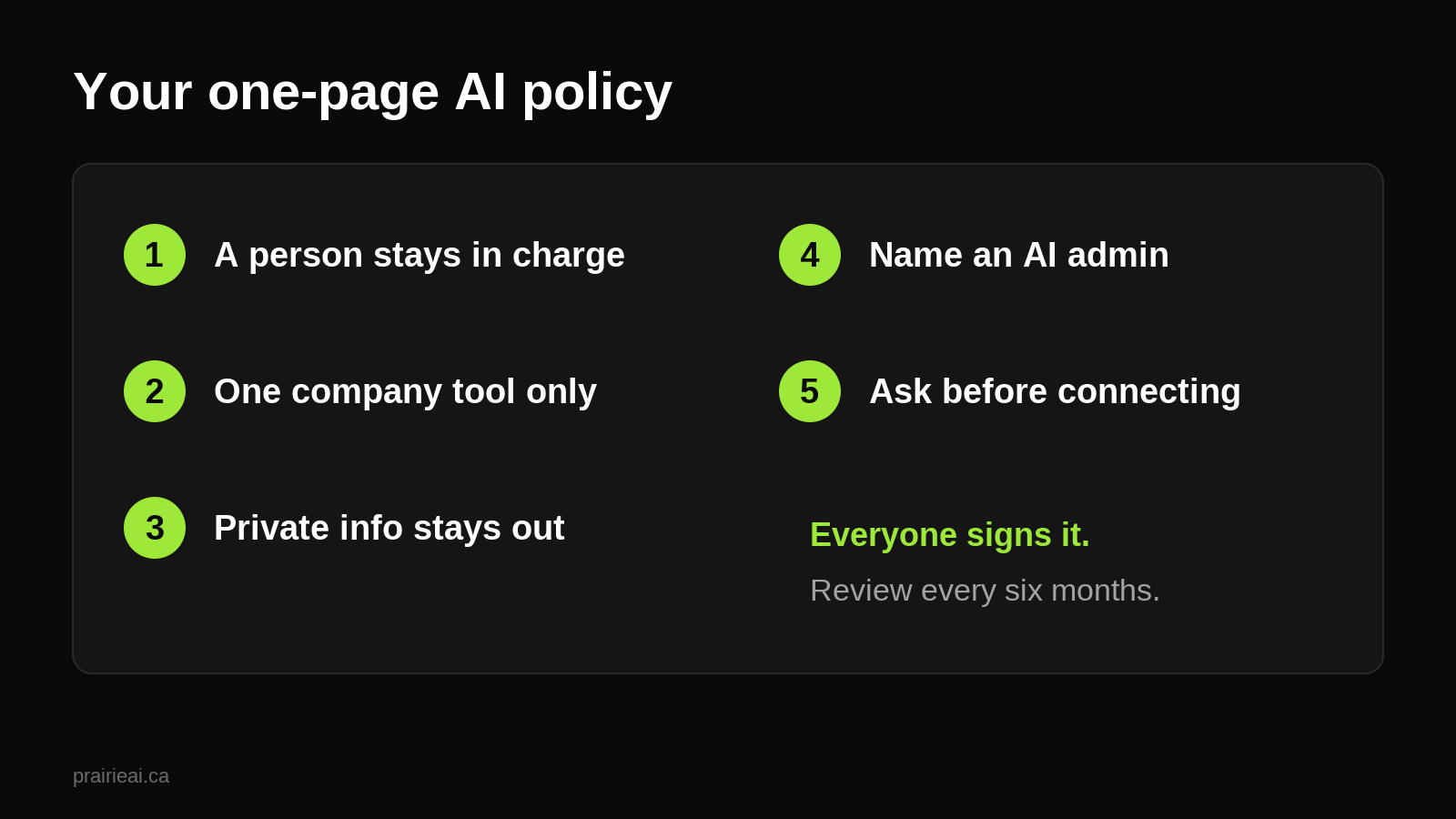
- A person stays in charge. AI drafts, a person checks it and makes the call.
- One company tool. Work accounts on a business plan, never a free personal account.
- Private info stays out. No customer personal details, staff records, banking details or passwords.
- An AI admin. One organized person who sets up accounts and answers "can I put this in?"
- Ask before connecting. Nothing gets hooked up to email, files, a browser or team chat without the admin's okay.
Privacy law still applies to anything staff type into AI. If AI shows up on staff phones or in team chat, add a line saying which devices and which channels it may use.
Why do connections need approval?
Once AI is connected to your email or shared drive, it can read whatever that person can open, old quotes and private notes included. Claude's Microsoft 365 connector guide works this way. Tools that use a web browser can see whatever is on the screen, per OpenAI's computer-use guidance. So test on one tidy folder first, never use the owner's login, and make the tool stop before it sends, pays or deletes anything. The same goes for small tools staff now build with AI: if more than one person relies on one, it needs an owner and a way back to the old process.
How do you roll it out?
Example (illustrative): a Regina HVAC company with eight staff makes the office manager its AI admin. Everyone uses ChatGPT Business with work accounts. AI may read the dispatch chat channel only, and pricing and HR stay out of it.
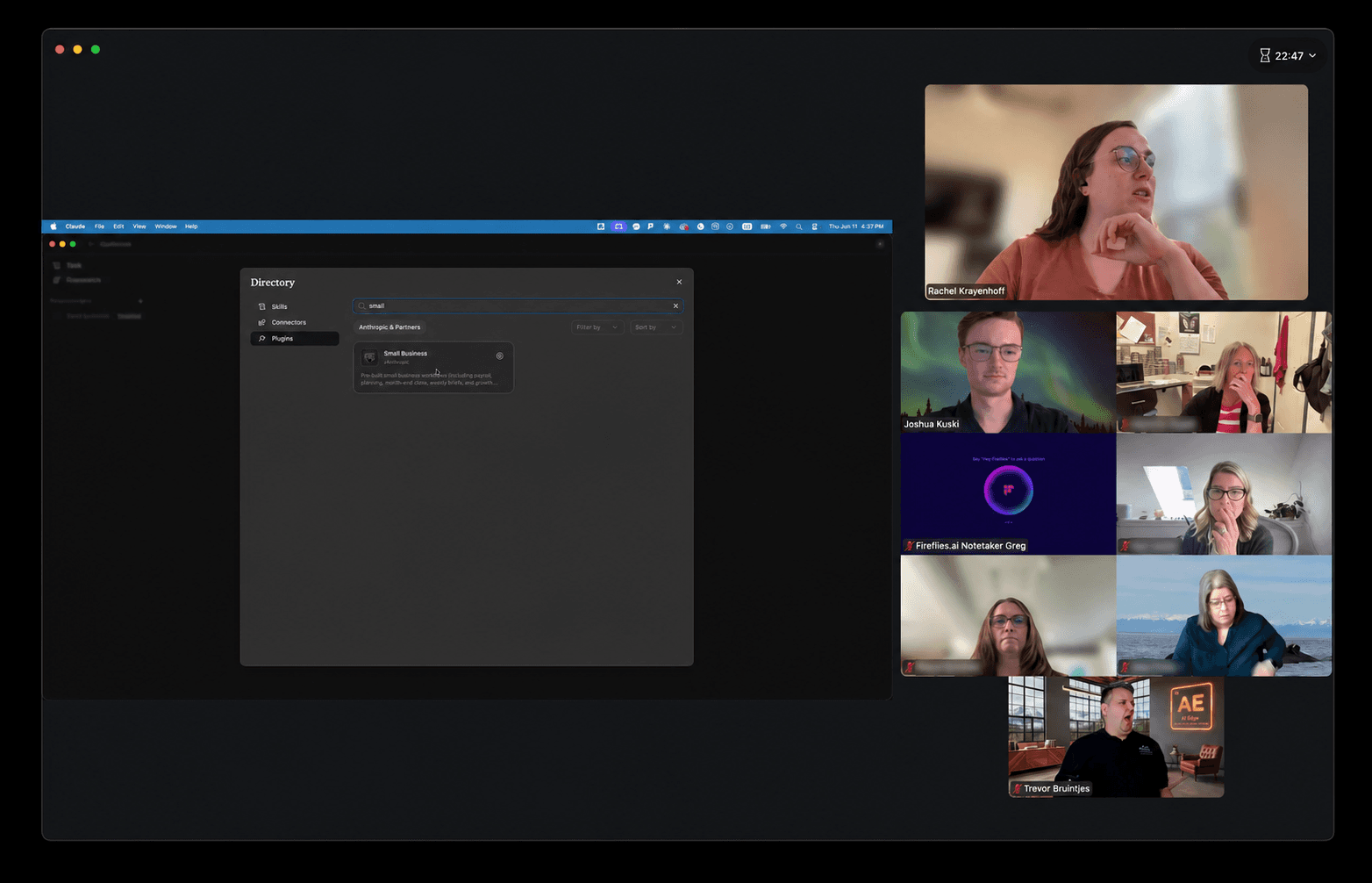
Read the page together in a 30-minute meeting and have everyone sign it. Tell people nobody gets in trouble for asking first or owning up to a mistake. Look at it again every six months. Then show people how to use the tool you chose.
Your next step: fill in the free AI policy. It is one page, ready to copy.