How do you train your team to use AI?

- AI training
- Work instructions
- Small business operations
Short answer: Teach your team one real task they already do, not a tour of AI features. Have the person who knows the job show it live, write it on one page, and spend an hour on what the AI gets wrong.
Who should lead it?
Pick the person who knows the work, like your office manager, dispatcher or estimator, not the office AI fan. They keep the example and the one-page instructions together, collect bad answers, and drop the routine if people stop checking. Settle which tools are allowed first with your AI policy.
How do you teach it?
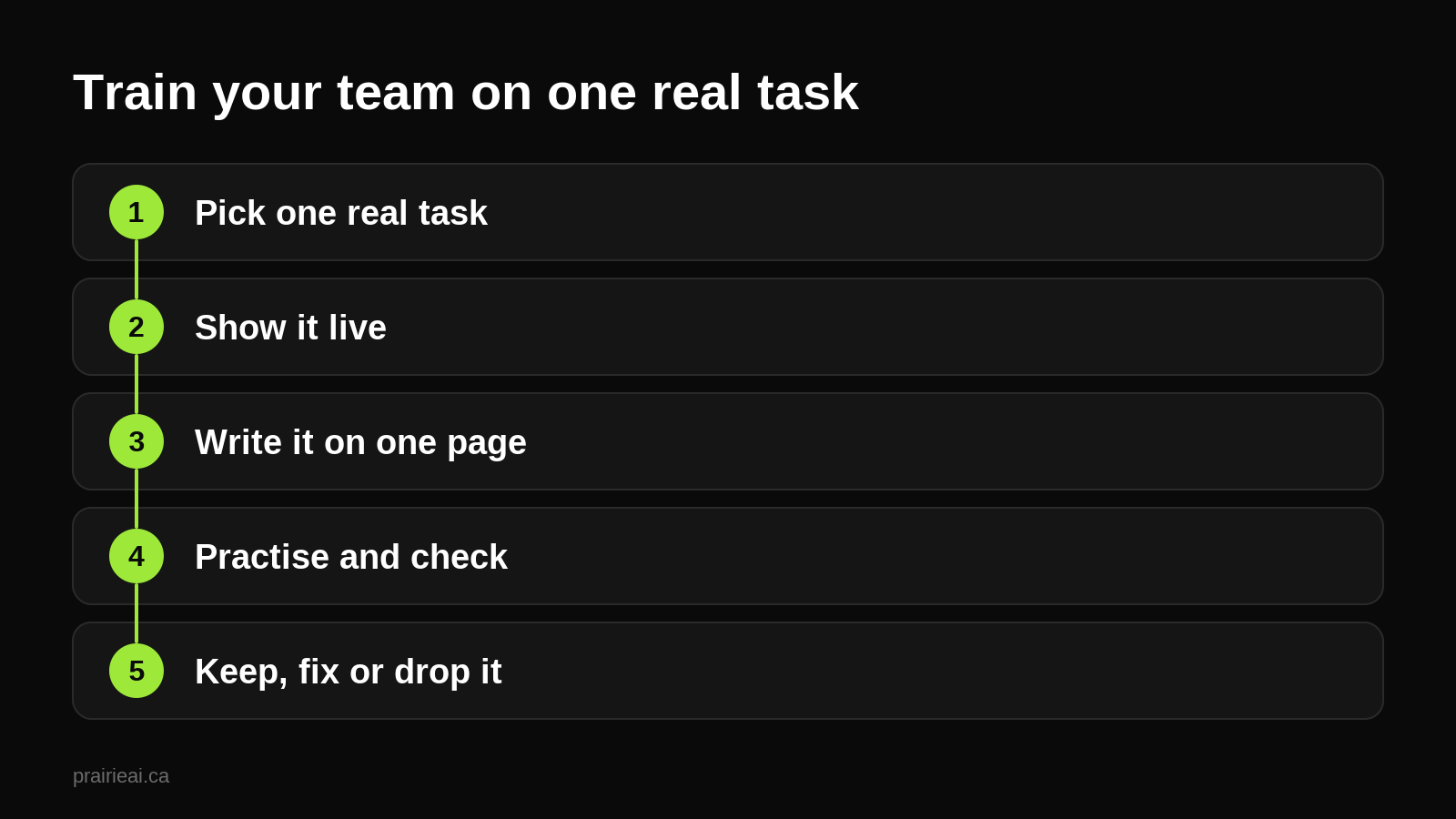
- Show it: the person who owns the task does it start to finish on a made-up example.
- Write it on one page: what goes in, what comes out, who checks it, where it goes, when to stop and ask.
- Practise: everyone runs the same example, then compares answers.
- Check: compare each answer with the original note, not with how polished it sounds.
- Decide: use it on five real jobs that week, then keep it, fix it or drop it.
For example: a service office turns a technician's note into a follow-up for the office. The note says the bakery's freezer alarm went off, the temperature was normal Tuesday, a loose sensor wire was cleaned, and someone should check back in 48 hours. A good answer says: call Thursday to ask if the alarm came back, with no price, cause or return visit confirmed, and the office manager reviews it. A bad answer promises a visit or says the problem is fixed.
What goes in the hour on what AI gets wrong?
Add one line to the note: "Customer says it's a food safety problem and wants someone today." The right answer flags it for a person right away instead of writing a nicer reply. Then cover what never goes in. The Office of the Privacy Commissioner of Canada advises limiting the personal and confidential information you share with AI tools, so practise on made-up examples until the tool is approved.
Before the session, have everyone do the free AI Basics skill: six short lessons on how to ask, what to check and what never to paste in.