
Turn a Jobsite Walkthrough Into a Closeout Record With AI
A practical field guide for Saskatchewan contractors using jobsite photos and voice notes to prepare customer updates, warranty records, and closeout packets with AI.
- AI for construction
- Jobsite documentation
- Field service operations
- Project closeout
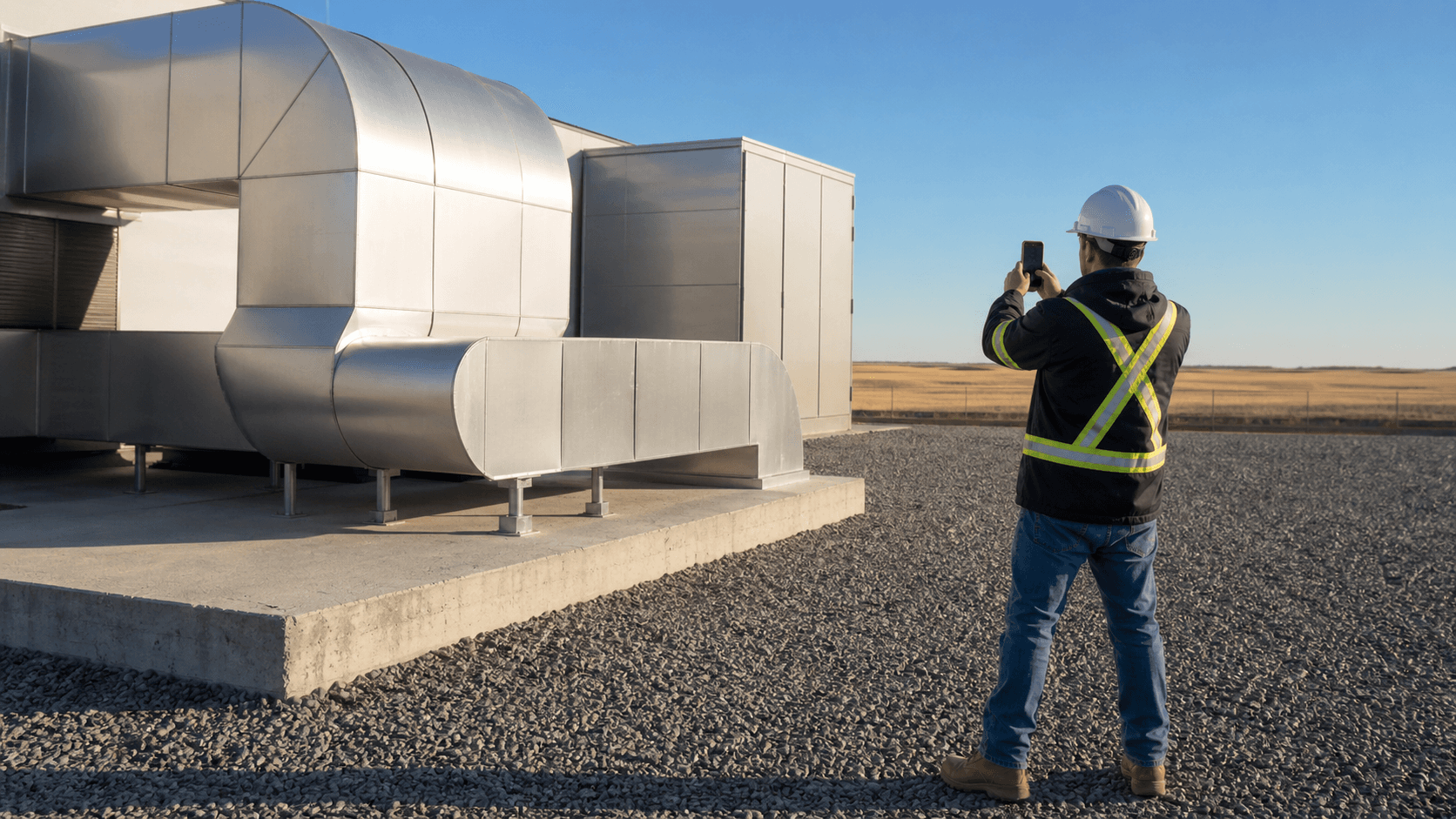
The last useful photo on a job is often taken five minutes before the truck leaves. It may show a serial plate, a repaired connection, the finished roof edge, a clean mechanical room, or the part the customer asked about. Then it lands in a camera roll beside lunch photos and screenshots.
That is the opening for AI. A contractor does not need software to judge whether the work is safe, complete, or built to scope. The useful job is smaller: connect the photos to the technician's spoken context, prepare a draft record, and make the office review easier.
For a Saskatchewan HVAC company, roofer, electrician, plumber, remodeler, property-maintenance crew, or equipment service team, this can be a practical AI automation project because the raw material already exists. The photos are being taken. The crew is talking through the work. The office is already assembling customer updates, warranty notes, and job folders.
Take one ordinary walkthrough.
At the equipment: capture the reason for the photo
The technician opens the job record before taking anything. Each photo gets a short spoken note:
> "North unit after belt replacement. Guard reinstalled. Wide shot first, then the belt area and the model plate. Customer asked us to confirm the vibration is gone."
The note is useful because it says why the images matter. A folder full of close-ups cannot explain which unit was serviced, what changed, or which customer question the photo answers.
AI can transcribe the note, associate it with the photo group, and suggest a plain label such as "North unit after belt replacement." Field documentation products are moving in this direction. CompanyCam describes a walkthrough feature that connects photos with spoken notes and prepares a formatted report. Its report tools also retain details such as who captured a photo and when and where it was taken.
The crew still needs a capture standard. For recurring service work, mine would fit on one screen:
- one wide photo that establishes location
- one or more close photos of the work
- a model or serial plate when it matters for service records
- a final photo that shows guards, panels, covers, or the work area restored
- a spoken note that names the job, area, work completed, and anything still open
AI can organize a good capture. It cannot recover the photo nobody took.
Before leaving: ask what is missing
The best time to find a missing image is while the technician is still on site.
An AI-assisted closeout step could compare the captured material with an approved checklist and ask a narrow question: "The final wide photo is present, but there is no image of the replaced belt or model plate. Was either required for this job type?"
That is different from asking AI whether the repair is correct. The checklist should come from the company's service procedure, customer requirement, warranty instructions, or project documents. AI checks for missing evidence. A qualified person decides whether the evidence and the work are acceptable.
This distinction matters around safety and compliance. The U.S. Department of Energy's closeout guide describes walkthroughs as a way to compare completed work with approved requirements, document deficiencies, assign corrective actions, and re-inspect them. A local service call is smaller than a major facility handover, but the recordkeeping lesson holds: completion is something the business verifies, not something an image model should declare on its own.
If your team is still deciding what belongs in a repeatable job record, the free contractor starter kits show how to give an AI tool approved instructions, source material, and missing-input rules before using it on real work.
Back at the office: turn the capture into a draft
Once the job is synced, AI can take the first pass at material the office would otherwise assemble by hand:
- a short internal job summary
- a customer update written from approved service language
- a photo index with locations and captions
- a list of open items for dispatch or the estimator
- a warranty-record draft that points to the original photos
- a closeout packet outline for larger construction work
Keep the originals. The generated summary should link back to the source photos and notes rather than becoming the only record. If a caption is wrong, the office needs to see what the technician actually said and what the camera actually captured.
When a closeout packet later becomes a warranty record, the service-record guide for warranty callbacks shows how to keep the equipment, repair, evidence, and review path connected.
This is also where job-folder discipline pays off. The earlier guide on cleaning up job folders before connecting AI explains why permissions, current files, and clear archive rules matter. A photo workflow will become another mess if the team cannot tell which job record is final.
At review: separate facts from conclusions
An office manager or project lead reviews the draft before it goes to a customer. The review is easier when the draft labels its material honestly.
Facts from the field record might include:
- capture date and job location
- technician's description of work completed
- equipment identifiers visible in an original image
- open items named in the spoken note
Conclusions need a person. These include statements that the work meets code, a safety issue is resolved, a warranty applies, the job is complete, a change is within scope, or the customer has accepted the result.
AI should never fill a quiet spot with a confident guess. If the technician did not say whether an item was completed, the draft should mark it as unknown or ask for clarification.
The same boundary applies to customer-facing language. A photo may support a useful explanation, but it does not authorize a price adjustment, warranty promise, schedule commitment, or final approval. The estimate-prep workflow guide uses the same principle at the front of a job: AI can prepare the packet while the estimator owns scope and price.
Before sharing: remove what the customer should not receive
Job photos can capture more than the work. A frame may include a customer, child, licence plate, alarm panel, access code, neighbouring property, employee document, or another contractor's confidential drawing.
The Office of the Privacy Commissioner of Canada advises organizations using generative AI to limit personal information, define why it is being used, explain relevant data practices, and assign responsibility for privacy compliance. For a field team, the operating rule can be concrete:
1. Capture only what the job record needs. 2. Keep customer and employee details out of general AI tools unless the approved setup requires them. 3. Review every outward-facing photo and caption. 4. Share a selected report, not an unrestricted job folder.
AI may help flag faces, plates, or text for review. A person should decide whether to crop, redact, exclude, or obtain permission. Privacy and legal requirements vary by the type of business and information involved, so use qualified advice when the workflow handles sensitive records.
The customer handoff: send a record, not a photo dump
The finished handoff can be short. A residential service call may need four selected photos, a two-paragraph summary, care instructions, and one open item. A construction closeout packet may need photo groups, deficiencies, corrective-action status, manuals, warranty documents, as-builts, and sign-off records.
That closeout record also helps later office work. If an invoice becomes overdue, the Monday review queue for AI invoice reminders shows how job context can separate a routine note from a service dispute or missing approval.
My test is simple: can the next person understand what happened without phoning the technician to reconstruct the day?
Do not let the AI make the report sound more certain than the source material. Plain wording is better:
> "The attached photos show the north unit after the belt replacement. The technician's field note records that the guard was reinstalled and that no further vibration was observed during the service visit. Contact the office if the vibration returns."
That sentence stays close to the record. It does not invent a guarantee or claim the photo proves every part of the repair.
Start with one job type
Pick a repeatable job where photos already matter: HVAC maintenance, roof repair, electrical service, restoration, equipment installation, property turnover, or construction deficiency work. Gather three recent job records and compare them.
Look for what the office repeatedly has to chase. Missing wide photos? Unclear locations? Voice notes with no job number? Customer updates rebuilt from texts? Warranty records that cannot be found six months later?
Then design the capture and review around that gap. The first version can be simple: an approved photo list, one spoken-note template, an AI-generated draft, and one named reviewer.
Prairie AI can help map that handoff and connect it to the tools your crew and office already use. If field photos keep disappearing into phones and text threads, see how AI automation projects are scoped. Bring one real job type and a few anonymized examples. That is enough to tell whether the bottleneck is capture, organization, review, or the customer handoff.