

AI Route Planning for Service Crews: The Dispatch Exception Board
A practical field guide for Saskatchewan service contractors using AI to prepare route and schedule options without letting software make customer promises.
- AI workflow automation
- Route planning
- Dispatch operations
- Field service scheduling
The clean version of route planning is easy to sell.
Give software the jobs, addresses, time windows, technician locations, and drive times. It finds a better route. The vans leave in a sensible order. Customers get sharper ETAs. Fuel and windshield time go down.
That is real enough to care about. It is also not how most dispatch mornings feel.
A furnace call becomes urgent after the first route is set. A plumber has the right skill but the wrong part on the van. A customer can only meet before lunch. A rural driveway is drifted in. One job needs two people, another needs warranty approval, and the closest technician is already carrying a promise that should not move.
For HVAC, plumbing, electrical, refrigeration, repair, pest control, cleaning, and property-maintenance teams, AI can help with route planning. The first useful version is usually not a fully automatic dispatcher. It is a dispatch exception board: a short list of route and schedule changes a person can review before the business calls the customer or redirects the crew.
That makes this a practical AI automation project when the company already has job records, locations, technician skills, and a dispatcher who owns the final call.
The board before the algorithm
Start with the board a dispatcher already keeps in their head.
For each open job, capture the address, promised window, job type, urgency, technician skill needed, expected duration, parts or equipment notes, customer access limits, and whether the customer has already received a commitment. For each technician, capture starting location, assigned vehicle, skills, shift limits, breaks, work already accepted, and anything that blocks a job.
If those inputs are scattered between texts, whiteboards, calendar blocks, sticky notes, and the field-service system, route optimization will mostly reveal the mess. That is still useful, but it is a cleanup project before it is an automation project.
Google's Route Optimization API documentation describes the problem in structured terms: vehicles, shipments, time windows, capacities, costs, routes, and constraints. The product is built for larger routing problems, but the lesson works for a smaller contractor too. A route suggestion depends on the business writing down the constraints that used to live in someone's memory.
A morning route can have four states
Do not ask AI for one perfect schedule. Ask it to sort the morning into states a dispatcher can act on.
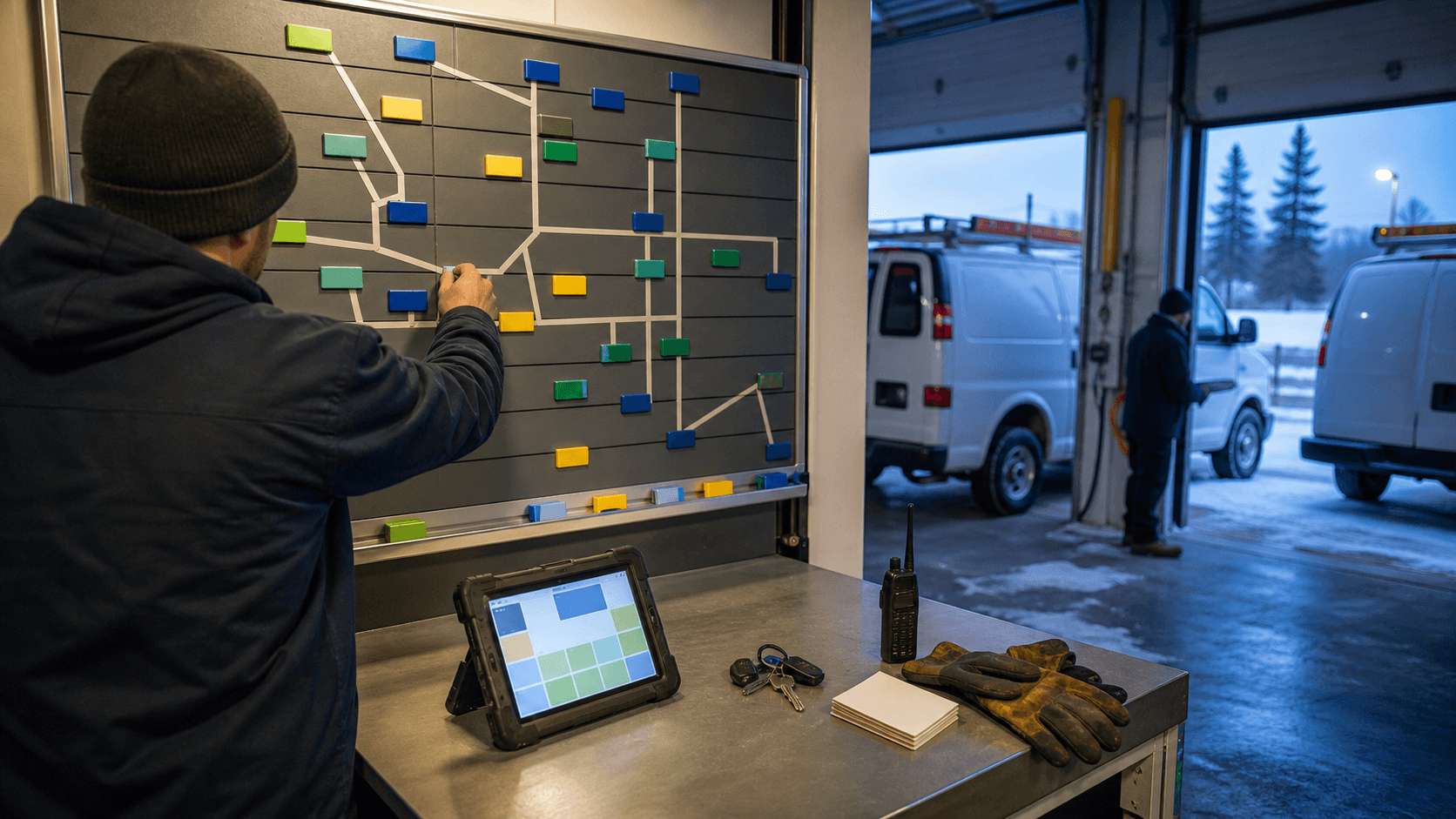
- Green: keep the route as planned because the technician, time window, parts, and customer promise still fit.
- Yellow: review the route because drive time, job duration, weather, or customer access has changed.
- Red: stop and call a person because the job touches safety, warranty, price, a tight promise, or a missing part.
- Blue: prepare options because two or more routes could work and the dispatcher needs tradeoffs.
That color board is plain, but it prevents a common automation mistake. The system does not pretend every change has the same risk. Moving a maintenance visit by an hour is different from moving an emergency heat call, a warranty callback, or a job that needs a specific licensed person.
The recent guide on AI in team chat for service contractors covers the communication side of this problem. Route planning adds one more rule: chat updates should feed the dispatch record, but the chat thread should not become the final schedule.
Let AI prepare the options
A useful assistant can compare the current route with the new exception and draft a few choices:
- keep the route and warn the office that the ETA is at risk
- swap two jobs between technicians with similar skills
- move a low-risk visit to the afternoon
- send the closest technician only if the required part is confirmed
- hold the job until the customer approves a new window
The output should show why each option exists. Drive time changed. The required skill matches. The job window is flexible. The customer promise is already tight. The van does or does not carry the expected part.
Google's Routes API can optimize waypoint order for a route when the inputs are known. Field-service platforms make the same idea visible to contractors through dispatcher views, technician tracking, job details, route planning, and schedule coordination. TechRadar's June 25, 2026 HVAC field-service software guide treats scheduling, dispatching, mobile access, customer communication, invoicing, and technician coordination as buying criteria. In plain language: route planning is not one map feature. It touches the whole operating day.
AI fits where the work is repetitive and inspectable. It can prepare the options, attach the source records, and show the tradeoffs. The dispatcher chooses.
Customer promises stay with the office
The fastest route is not always the right route.
A customer may have arranged access around a promised time. A technician may need daylight, a helper, a permit condition, or a safe weather window. A rural job might be technically close on a map and still poor timing because of road conditions, parts pickup, fuel, or the next call.
AI should not automatically tell the customer "we will be there at 10:15" just because a route changed. The office needs to review the commitment, the reason for the change, and the tone of the message.
For missed windows or tool outages, the dispatch fallback guide is the better companion piece. If the routing assistant, map service, or field-service platform is unavailable, staff still need a simple way to decide which calls cannot wait.
Parts and skills can veto the closest van
The map may say one van is closest. The job may say another van is right.
Before a route suggestion reaches a customer, check whether the technician has the skill, certification, equipment, access information, and expected parts. If the record is uncertain, the system should say so. "Closest technician, part not confirmed" is better than a confident route that fails at the door.
This is where service-van parts planning connects to dispatch. A stock signal can reduce wasted trips, but it cannot approve a substitution, warranty decision, or customer schedule change by itself.
Technician judgment matters too. A senior tech may know that a call labeled "simple repair" usually turns into a longer job for one customer site. An apprentice may be qualified for part of the work but need a second person for the handoff. Put those patterns into the dispatch rules after a person approves them. Do not leave them as folklore, and do not let the model invent them.
Privacy is part of the route
Route data can include customer addresses, phone numbers, technician locations, access instructions, job notes, photos, equipment history, and sometimes sensitive personal information. Give the assistant only what it needs for the route decision.
The Office of the Privacy Commissioner of Canada advises businesses to define the purpose for personal information, limit collection and sharing, use safeguards, and stay accountable when AI is involved. For dispatch, that means a routing assistant usually needs location, time window, job type, skill requirement, and operational constraints. It does not need the entire customer history unless the specific decision requires it.
Keep the field-service system, calendar, or CRM as the record. AI can produce a draft route note or exception summary. The approved schedule change should land back in the system staff already use.
A two-week dispatch test
Pick one crew group and one kind of day: emergency service calls, planned maintenance, install follow-ups, or warranty callbacks. For two weeks, ask the assistant to prepare a dispatch exception board before the morning route is finalized.
Track four things:
- how often the assistant found a real route or timing issue
- how often a suggestion failed because a source record was missing or stale
- how often the dispatcher overrode the route for a good business reason
- how often customer communication needed a person to rewrite it
Those misses are the point. They show whether the next improvement is better job duration estimates, cleaner parts records, technician skill tags, customer access notes, or a tighter approval routine.
The free Prairie Office Dispatch Agent can help a team practice the note-cleanup side of this work. It is not a booking calendar or routing system. It is a safer way to turn messy call notes into customer-safe messages, warranty checklists, reschedule replies, and technician prep notes before the company invests in deeper automation.
For a paid implementation, bring Prairie AI one normal week of jobs, anonymized addresses if needed, the current dispatch board, and three examples where the day went sideways. The goal is not to replace dispatch. The goal is to make the next route change visible before it becomes a customer problem.