
AI Work Instructions Need Shop-Floor Proof
NVIDIA's June 2026 robotics research is a useful prompt for Saskatchewan service teams: before AI can help with physical work, the business needs clear steps, reset rules, and proof records.
- AI operations
- Work instructions
- Field service
- Service contractors
- Regina
- Saskatoon
- Saskatchewan
NVIDIA's robotics research made a good demo this week, but the useful lesson for most local operators is smaller than the robot.
Tom's Hardware reported on June 17, 2026 that NVIDIA's ENPIRE work showed robots learning high-precision physical tasks such as installing GPUs, sorting pins, and handling zip ties. The important detail is not that every Regina repair shop or Saskatoon contractor should start pricing robots. It is that physical work gets easier to automate only when the task can be observed, reset, tested, and improved.
That matters long before a robot enters the building.
For service contractors, equipment dealers, repair shops, fabrication teams, warehouses, and field-service crews, the practical question is this: could your best technician explain the job well enough that a new hire, an assistant, or an AI tool could follow the same work without guessing?
If the answer is no, start with work instructions. They are boring. They also decide whether AI becomes useful or just creates another pile of half-trusted notes.
The task has to be visible
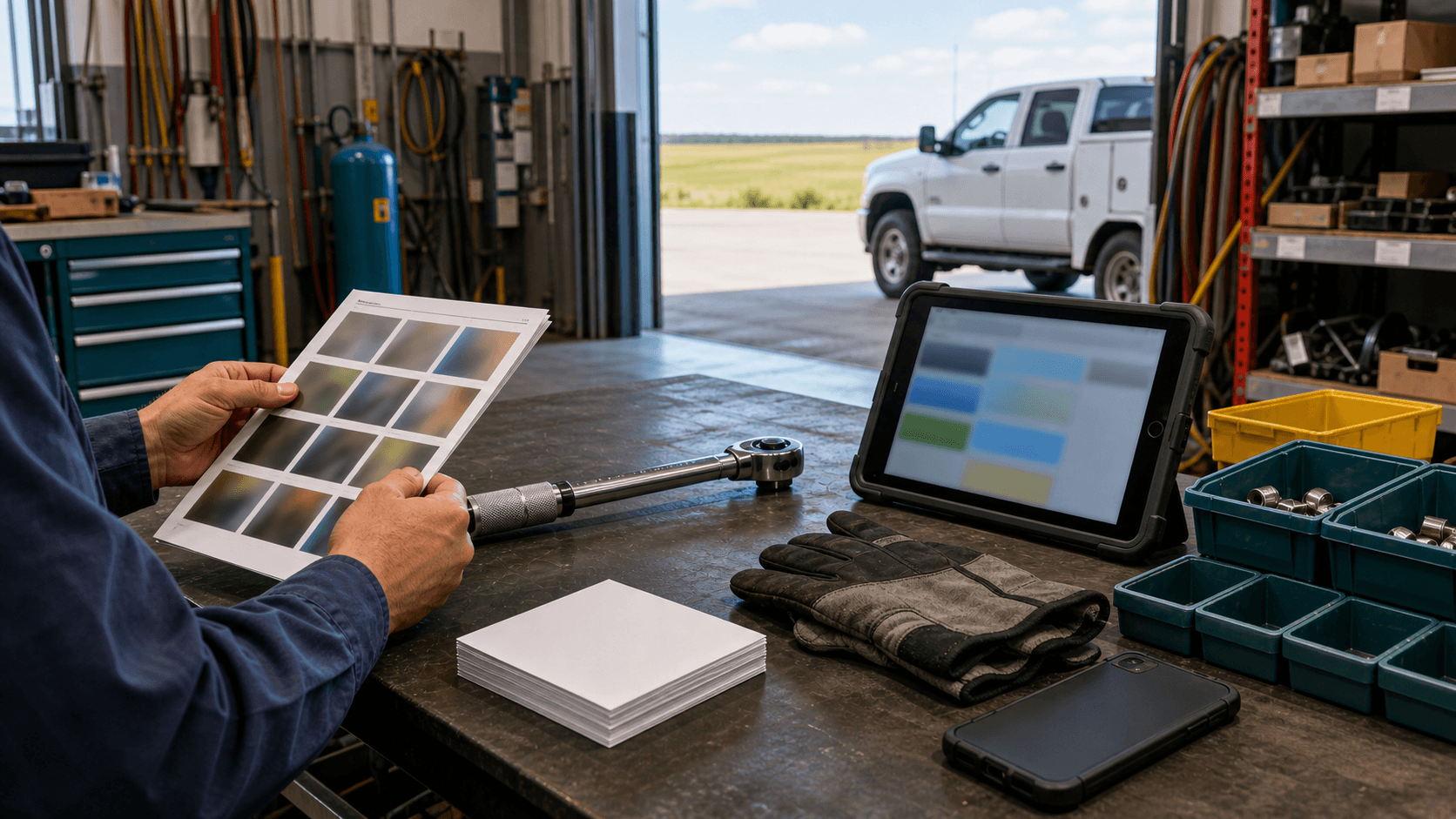
AI works better when the task leaves evidence. A technician's memory is hard to automate. A clear photo sequence, service record, parts list, and pass-fail check give the system something to work with.
Think about jobs that repeat across the month:
- winterizing equipment
- checking a rooftop unit after a service call
- preparing a closeout packet after a repair
- inspecting returned rental equipment
- assembling a standard parts kit
- cleaning up a work order before invoicing
- writing a customer update after a site visit
AI can help turn rough job notes into a clearer service record. It can compare photos against a checklist. It can draft a customer-friendly explanation from a technician's voice note. It can remind the office which proof photos are missing before the invoice goes out.
It should not decide that the work is safe, complete, warrantable, or billable. That stays with the person responsible for the job.
Write the reset rule
The most overlooked part of physical work is the reset.
In a shop, reset might mean the tool goes back on the bench, the parts bin is refilled, the machine is powered down, the battery is disconnected, the area is swept, or the failed part is tagged. In field service, reset might mean the panel is closed, the customer has signed off, the photos are uploaded, the lockout is removed by the right person, and the truck stock gets updated.
If your team wants AI to help with work instructions, write the reset rule beside the steps.
That rule matters because a lot of AI mistakes happen at the edges. The model may summarize the job nicely but miss the fact that the site was not left ready for the next person. It may draft a clean update but skip the missing photo. It may organize the steps but fail to notice that the part number changed.
A good reset rule is plain:
- what has to be returned to normal
- what has to be photographed
- what has to be recorded in the work order
- who signs off when the step affects safety, warranty, price, or customer commitment
For a small team, this can fit on one page.
Use AI where the review is obvious
The Associated Press reported on June 16, 2026 that NVIDIA is positioning AI-enabled factories as part of a broader manufacturing shift. That is big-company news. A smaller Saskatchewan operator should translate it into a narrower test: use AI where a worker can quickly tell whether the output is right.
Good first uses:
- turn messy technician notes into a standard service summary
- create a draft closeout packet from approved photos and notes
- compare a work order against a required-photo checklist
- rewrite a parts request so the counter can understand it
- summarize recurring job issues for the weekly operations meeting
- create a first draft of a training card from an experienced worker's explanation
Weak first uses:
- deciding whether a repair is safe
- approving warranty coverage
- setting final price
- promising a completion date
- changing a safety procedure
- replacing a qualified person's inspection
The difference is review. If the output can be checked against photos, parts, service records, or a supervisor's approval, AI can help. If the output requires judgment the business cannot easily verify, keep it out of the decision.
Capture the expert while they are still in the room
Every service business has one or two people who know the odd cases. They know which truck always needs an extra adapter. They know which customer site has a gate code problem. They know which repair looks finished until you check one last fastener.
That knowledge is easy to lose.
A practical AI workflow can help capture it without turning the expert into a document writer. Record a short explanation. Add photos. Ask AI to draft a step card. Then have the expert mark what is wrong, missing, or too confident.
Do that for ten recurring jobs and you start building a useful library:
- "How we prepare this service truck for Monday morning"
- "What photos we need before closing a rooftop unit call"
- "How we package a warranty return"
- "What the office needs before sending the invoice"
- "How a junior tech should describe this issue to dispatch"
This is where Prairie AI can help service teams without making the work feel artificial: map the workflow, clean up the notes, build the instruction template, and keep the human approval point where it belongs. If your team has one recurring job that lives mostly in someone's head, book a call with Prairie AI and we can turn that job into a practical first workflow.
Keep safety and accountability outside the model
The Government of Canada's generative AI guide tells public servants to verify outputs and avoid using generative AI where errors could have serious consequences without proper review. The same plain rule fits shop and field work.
AI can help with drafts, summaries, checklists, and pattern spotting. It should not be the final authority for safety, legal compliance, employment decisions, pricing, warranty approval, or customer commitments.
For physical work, I would add one more rule: do not let AI rewrite a safety procedure in a way that changes the job. If a checklist is safety related, the qualified person owns it. AI can format it, translate rough notes into clearer language, or prepare a comparison for review. The sign-off stays human.
The same applies to customer records. A job photo may show a private home, a customer asset, a licence plate, a security panel, or a staff member. Decide what can be uploaded before someone tries a convenient tool on a busy afternoon.
Make one job packet
The best first project is not a full operations platform. It is one job packet.
Pick a recurring job that creates friction:
- the office always chases missing photos
- invoices wait on unclear notes
- new staff ask the same setup questions
- warranty files come back incomplete
- dispatch cannot tell whether the next step is parts, quote, return visit, or billing
Then build one packet:
- a short task summary
- required photos
- required parts or documents
- the reset rule
- the human approval point
- the customer update template
- the final storage location
AI can help assemble and clean that packet. Your team still decides the rule.
If this sounds useful but you are not sure where to start, use the Contact Prairie AI form and describe the job that keeps creating rework. For related help, see AI automation services, AI help in Regina, AI help in Saskatoon, and AI help across Saskatchewan.
What I would do this month
Choose one high-repeat job in the shop, yard, warehouse, or field. Do not choose the riskiest job first. Choose the job where a missing photo, unclear note, wrong part, or skipped handoff wastes time every week.
Ask the experienced person to walk through it once while someone records the steps. Take photos of the normal evidence, not customer-sensitive material. Use AI to draft the work instruction. Then review it with the person who actually owns the work.
Keep the first version rough. A useful work instruction beats a polished binder nobody trusts.
The win is not a robot. The win is that the next person can see the job, follow the steps, know when to stop, and leave a record the office can use.