

Claude/Cowork or ChatGPT/Codex for Business?
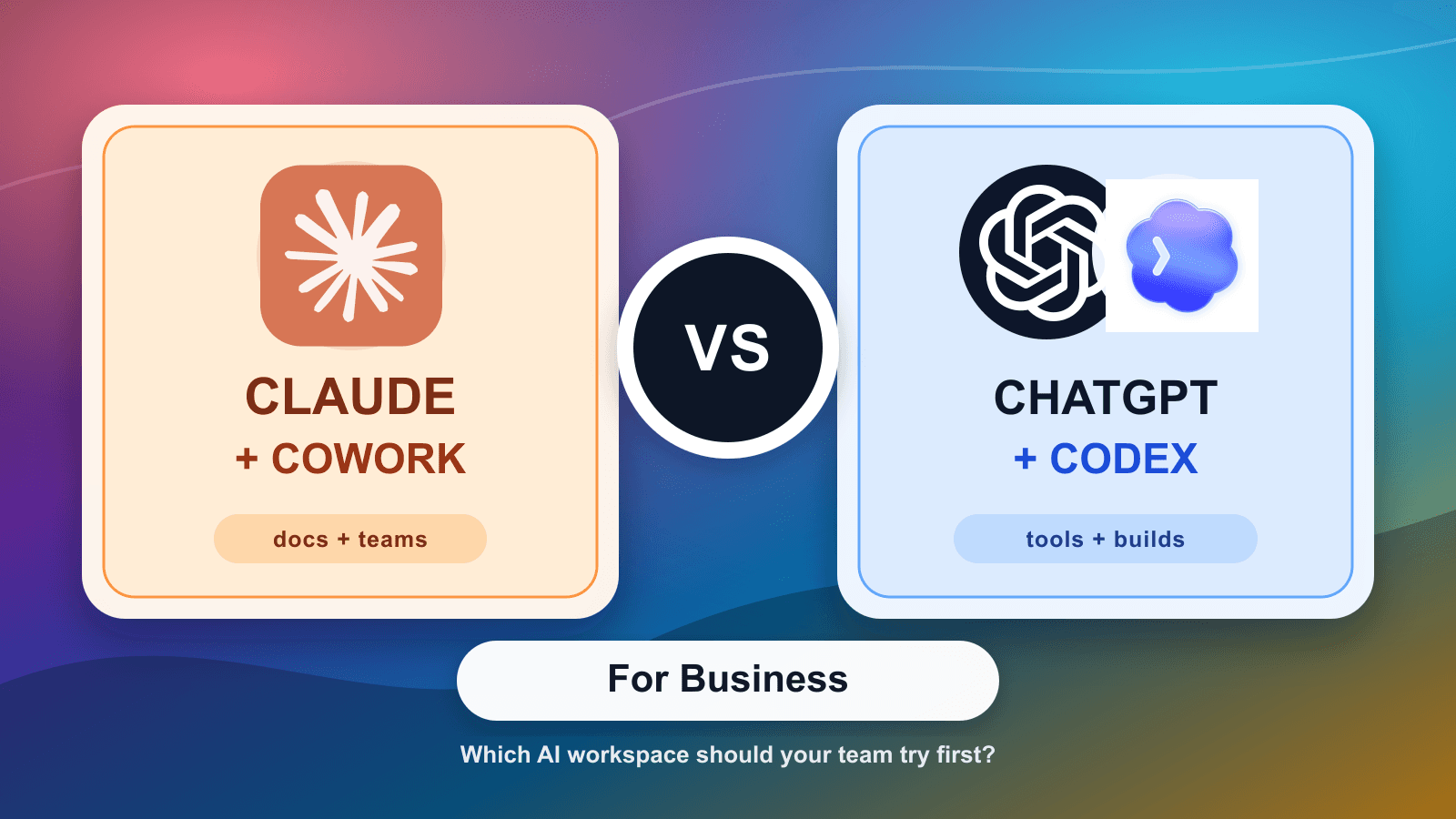
A plain-language comparison for Saskatchewan service businesses deciding whether Claude/Cowork or ChatGPT/Codex is the better first AI workspace.
- AI tools
- Claude
- ChatGPT
- Codex
- AI automation
- Regina
- Saskatoon
- Saskatchewan
Most owners do not need a perfect AI tool comparison. They need a clean first choice.
If you run a service company, shop, clinic, contractor office, parts counter, or small operations team in Saskatchewan, the question is usually not "which model is smartest?" The better question is: where does the work live?
If the work lives in documents, meeting notes, long emails, policies, project updates, and messy internal context, Claude and Cowork are often the easier lane to understand.
If the work lives in ChatGPT habits, spreadsheets, websites, internal tools, scripts, reports, automations, or software changes, ChatGPT and Codex are often the stronger lane.
That is the simple version. The details still matter.
What Claude and Cowork are good for
Claude's April 9, 2026 Cowork announcement is aimed at regular business work beyond engineering teams. Anthropic says Cowork is generally available on paid plans and is used across operations, marketing, finance, and legal for tasks around the core work: project updates, research sprints, collaboration decks, and similar deliverables.
That is a useful clue for smaller businesses.
Claude and Cowork make sense when the job starts with reading and shaping information:
- comparing vendor proposals
- turning meeting notes into a client update
- cleaning up quote language
- drafting a policy or procedure
- summarizing long documents
- preparing a board, lender, or management update
- making sense of a messy project folder
For a Regina HVAC office, that might mean turning service notes, supplier messages, and photos into a clearer warranty packet. For a Saskatoon clinic, it might mean turning admin notes into a draft staff procedure. For a construction subcontractor, it might mean cleaning up project updates before they go to the general contractor.
Claude Code also added artifacts on June 18, 2026. That means some Claude Code work can become a live, shareable page such as a checklist, dashboard, system explainer, or release walkthrough. That is more technical than a normal office chat, but the pattern is useful: Claude is pushing toward shared work outputs instead of private conversations alone.
Where ChatGPT and Codex fit
ChatGPT is often the faster adoption path because many staff have already tried it. That matters. A tool people already understand usually beats a better tool that nobody opens.
Codex is the part owners should pay attention to when the work becomes more structured. OpenAI describes Codex as an agent that helps write, review, and ship code. Its docs also describe app features such as isolated worktrees, Git tools, an integrated terminal, browser use, and automations.
Put plainly: ChatGPT is the front door for everyday work. Codex is what you look at when the business needs something repeatable built or maintained.
For local operators, that could mean:
- a weekly job-cost report
- a small internal dashboard
- a website lead-routing change
- a quote follow-up helper
- a work-order cleanup script
- a spreadsheet import tool
- a customer intake form that sends cleaner data to the office
OpenAI's Codex help article says Codex is included across ChatGPT plans, with usage limits and credit options varying by plan. It also says Business, Enterprise, and Edu users have different data-use defaults than personal users. That matters if staff will be using real customer, job, or business information.
The plain business choice
Choose Claude/Cowork first when the pain is reading, writing, comparing, and organizing business context.
Good fit:
- "We have too many documents and nobody wants to summarize them."
- "Our proposals, policies, and updates need cleanup."
- "The team needs help turning raw notes into useful drafts."
- "We want AI to help with meetings, research, and internal deliverables."
Choose ChatGPT/Codex first when the pain is turning repeatable work into a tool, script, report, or controlled workflow.
Good fit:
- "Staff already use ChatGPT and we need rules around it."
- "We need a small dashboard or internal tool."
- "The same spreadsheet cleanup happens every week."
- "Our website, CRM, or work-order data needs better automation."
Neither choice should start with "connect everything." That is where teams get into trouble. Start with one job, one owner, and one approval rule.
A service-business example
Imagine a plumbing company with three recurring office headaches.
The office manager has to clean up technician notes before invoicing. Claude/Cowork could help draft clearer service summaries and customer updates from approved notes.
The estimator has to turn supplier emails and job photos into a cleaner quote packet. Claude/Cowork is a strong first test because the work is document-heavy and review-heavy.
The owner wants a weekly report showing which quotes are waiting, which jobs are missing photos, and which invoices are stuck. ChatGPT can help define the report, but Codex is the lane for building or maintaining the actual script, dashboard, or internal workflow.
For one concrete example of the handoff after a meeting, see why an AI recap is not the work queue.
That is the split. Claude helps shape the work. ChatGPT helps staff ask and analyze. Codex helps build the repeatable part.
What AI should not own
Do not let either stack make final decisions about price, warranty, safety, legal issues, employment decisions, customer commitments, or final approvals.
For service contractors and trades, the best first rule is simple:
- AI can draft.
- AI can summarize.
- AI can compare.
- AI can prepare a checklist.
- AI can flag missing information.
- A person approves the answer before it affects the customer, the job, the invoice, or the crew.
This rule sounds basic because it is. It also prevents most of the expensive mistakes.
How to test without overbuying
Run one two-week comparison.
Give Claude/Cowork one document-heavy workflow. For example: turn three messy job packets into clean customer-ready summaries, with the office manager checking every line.
Give ChatGPT/Codex one repeatable-workflow problem. For example: draft a weekly quote follow-up report, then decide whether Codex should help build a small script or dashboard.
Use the same scorecard for both:
- Did it save real staff time?
- Did it reduce rework?
- Did the output need heavy correction?
- Was the data exposure acceptable?
- Could a new staff member follow the process?
- Did the tool make the next step clearer?
If both tests work, keep both lanes. Plenty of businesses will use Claude for document-heavy work and ChatGPT/Codex for tool-building work. The mistake is buying seats, connectors, and automations before you know which jobs deserve them.
Prairie AI helps local teams make this decision without turning it into a software debate. We map the workflow, choose the right first tool, set the data and approval rules, and build the repeatable parts when the pilot proves itself. If you want to compare these tools against one real business workflow, book a call with Prairie AI.
For related help, see AI automation services, AI help in Regina, AI help in Saskatoon, and AI help across Saskatchewan. If you are not sure whether your first workflow belongs in Claude, ChatGPT, Codex, or a custom automation, use the Contact Prairie AI form and describe the task your team keeps repeating.