
What Physical AI Means for Saskatchewan Operations
NVIDIA's latest factory and robotics announcements point to AI moving into cameras, shops, warehouses, and field operations. Here is the practical first step for Saskatchewan businesses.
- Physical AI
- Visual Inspection
- Operations Automation
NVIDIA spent the end of May and the start of June talking about AI that watches, reasons, and acts in the physical world.
On May 31, 2026, the company announced its Factory Operations Blueprint, a reference design for connecting machine signals, quality systems, work instructions, operational alerts, video analysis, and specialized agents inside manufacturing environments. On June 1, NVIDIA described Jetson updates for bringing agentic AI into robotics, inspection, and industrial automation. The same day, it announced an Isaac GR00T reference humanoid robot for academic research.
The robot headline will get the attention. For most Saskatchewan businesses, the useful part is smaller and closer to the ground.
If your company runs a shop, warehouse, yard, clinic back office, fabrication line, parts counter, service bay, or field operation, physical AI starts with a question: can a camera, sensor, or existing work record help staff spot problems faster?
Do not start with the robot
A humanoid robot makes a good keynote moment. It is rarely the right first AI project for a local business.
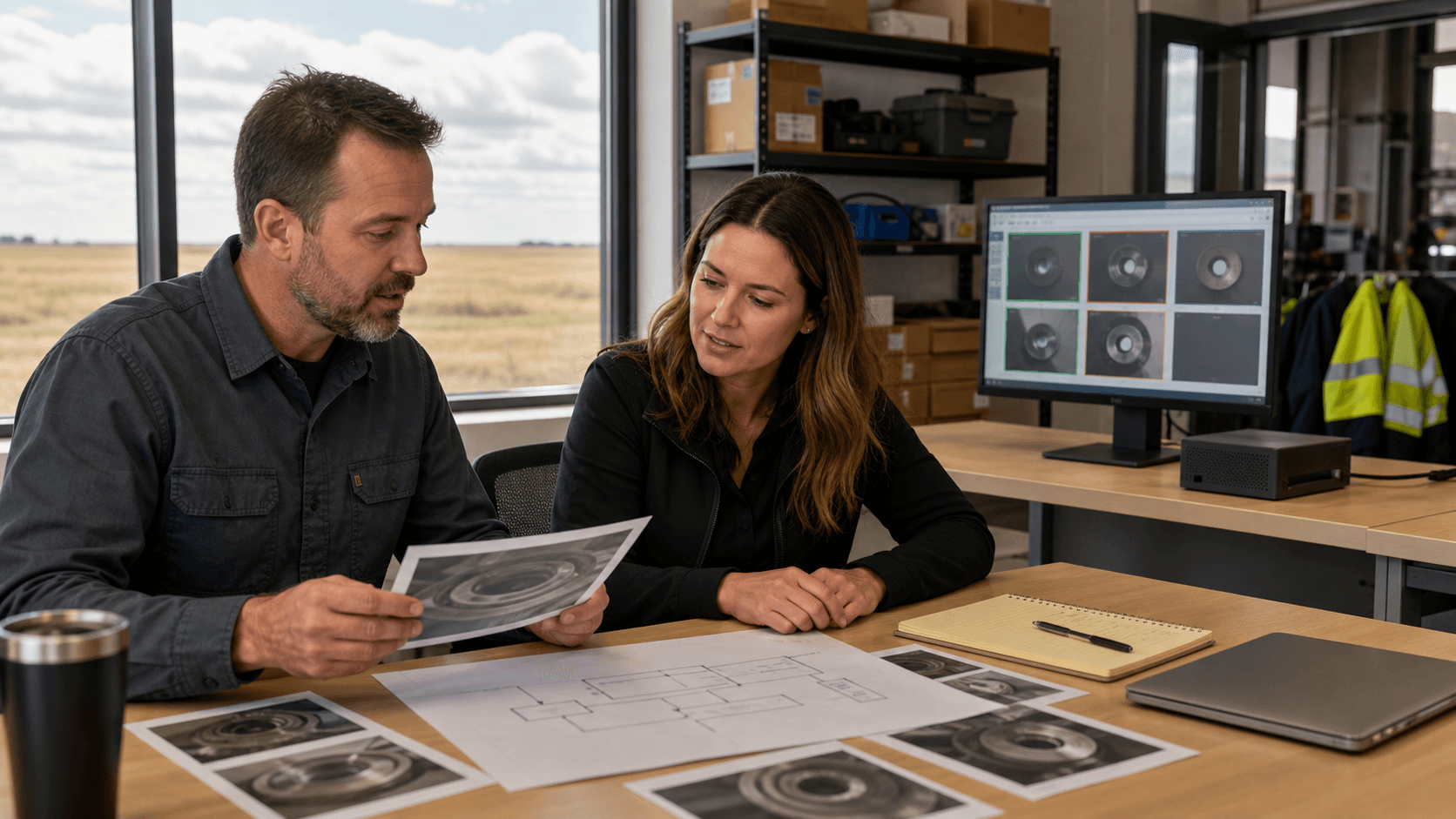
The practical first layer is usually visual inspection or operations monitoring. That might mean checking whether a part has a visible defect, whether a safety step was missed, whether a shelf is empty, whether a shipment photo matches the order, or whether a recurring issue keeps showing up in the same part of the process.
Those are narrow problems. That is why they are useful.
A Regina manufacturer does not need to copy a global electronics factory. A Saskatoon equipment dealer does not need a full autonomous warehouse. A Saskatchewan service company might only need better photo review after jobs, cleaner exception tracking, or a way to pull useful signals out of the images and notes staff already collect.
The camera is only half the system
This is where physical AI projects can get expensive fast.
Adding a camera is easy. Getting business value from the camera is harder. The system needs to know what it is looking for, when staff should trust it, what happens when it is unsure, and how the result moves into the work people already do.
Before buying hardware or chasing a vendor demo, write down five things:
- What visible condition should the system detect?
- What should happen when it finds the issue?
- Who reviews uncertain results?
- Where do the photos, videos, or sensor records live?
- What cost, delay, rework, safety issue, or missed handoff would improve if this worked?
If those answers are fuzzy, the project is not ready for more hardware. It needs a process map.
Prairie AI can help with that early mapping work. If you want to test whether a visual inspection, document-photo review, or operations-monitoring idea is worth building, book a strategy call and bring one real workflow.
Where physical AI can help a smaller operation
The first useful projects tend to live where people already take photos, fill out checklists, or inspect the same thing over and over.
Examples that are realistic enough to discuss:
- reviewing job-site photos for missing closeout details
- flagging obvious product or packaging defects before shipment
- comparing received goods against order photos or part categories
- summarizing safety observations from inspection images and notes
- helping staff find repeated problems in service, warranty, or maintenance records
- routing exceptions to the right person instead of burying them in email
None of those examples should run without human review at the start. The point is to reduce the pile of manual checking, not to let software make final calls on safety, customer commitments, or quality disputes.
For a lot of local teams, the best early version is a triage layer. AI sorts the normal cases from the ones that need attention. Staff still decide what to do.
The data problem shows up quickly
The NVIDIA announcements are aimed at serious industrial systems, but they expose a problem every smaller business will recognize: AI needs examples.
If the goal is to spot defects, the system needs images of normal work and problem cases. If the goal is to summarize a job-site issue, it needs photos, notes, job context, and a useful output format. If the goal is to monitor a process, the system needs a timestamped record of what happened.
Many businesses have this information, but it is scattered. Some of it sits in phones. Some sits in inboxes. Some sits in a shared drive with inconsistent file names. Some lives only in the memory of the person who usually catches the problem.
That is not a reason to give up. It is the first project.
Start by collecting a small, clean sample:
- 20 to 50 examples of normal work
- 10 to 20 examples of the issue you want to catch
- the notes staff currently use to explain the issue
- the action that should happen when the issue appears
That sample will teach you more than a sales demo. It will show whether the problem is visible, whether staff agree on what counts as a defect or exception, and whether the business has enough records to build from.
If you need help turning scattered photos, notes, and process knowledge into a testable automation plan, use the Contact Prairie AI form and describe the workflow. A short data and process audit is often the right first step.
What to be careful about
Physical AI touches the real world, so the review standard should be higher than it is for a writing assistant.
Be careful with anything involving worker safety, regulated inspections, customer disputes, medical context, financial commitments, legal obligations, or equipment changes. AI can help prepare, flag, summarize, and route. It should not quietly become the authority unless the business has tested it, documented the limits, and assigned human ownership.
There is also a privacy question. A camera in a shop, office, yard, or vehicle can capture employees, customers, license plates, documents, or private property. Before recording more, decide what gets captured, who can see it, how long it stays around, and whether the same result can be achieved with less sensitive data.
The boring governance work is part of the build. Skipping it usually means the pilot stalls as soon as someone asks a reasonable question.
A practical first pilot
Pick one repeated inspection or review task. Keep it narrow.
For 30 days, collect examples from real work. Do not start by automating the final decision. Start by measuring whether AI can help staff separate normal cases from cases that deserve a closer look.
A good pilot has:
- one visible issue or exception
- a small sample of real examples
- a human review step
- a place where the result gets recorded
- a simple metric such as review time, missed issues, rework, or faster routing
That is enough to learn. If the signal is weak, you stop before buying the wrong system. If the signal is strong, you can decide whether the next step is staff training, better data capture, a custom workflow, or a more serious visual inspection build.
For local service context, see AI help in Regina, AI help in Saskatoon, or AI help across Saskatchewan. If your team already has a camera, inspection, or operations-monitoring problem in mind, book a strategy call and we can map the smallest useful pilot.