
Transcript-to-tasks workflow
CRM handoff proof
A meeting transcript becomes CRM notes and assigned follow-up tasks instead of disappearing after the call.
Repo-local artifacts
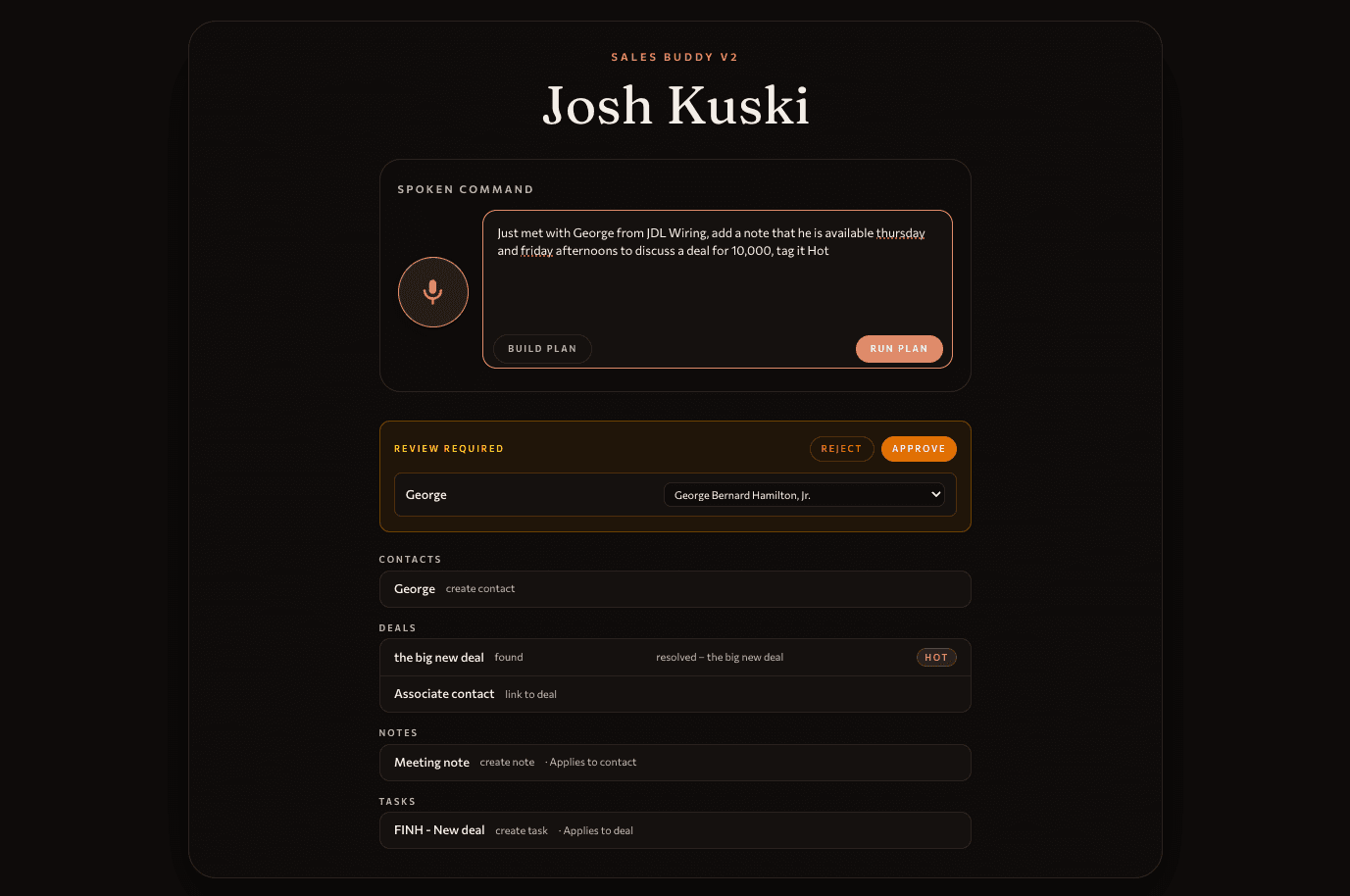
Workflow screen
Repo-local screenshot for the Sales Buddy transcript-to-CRM project.
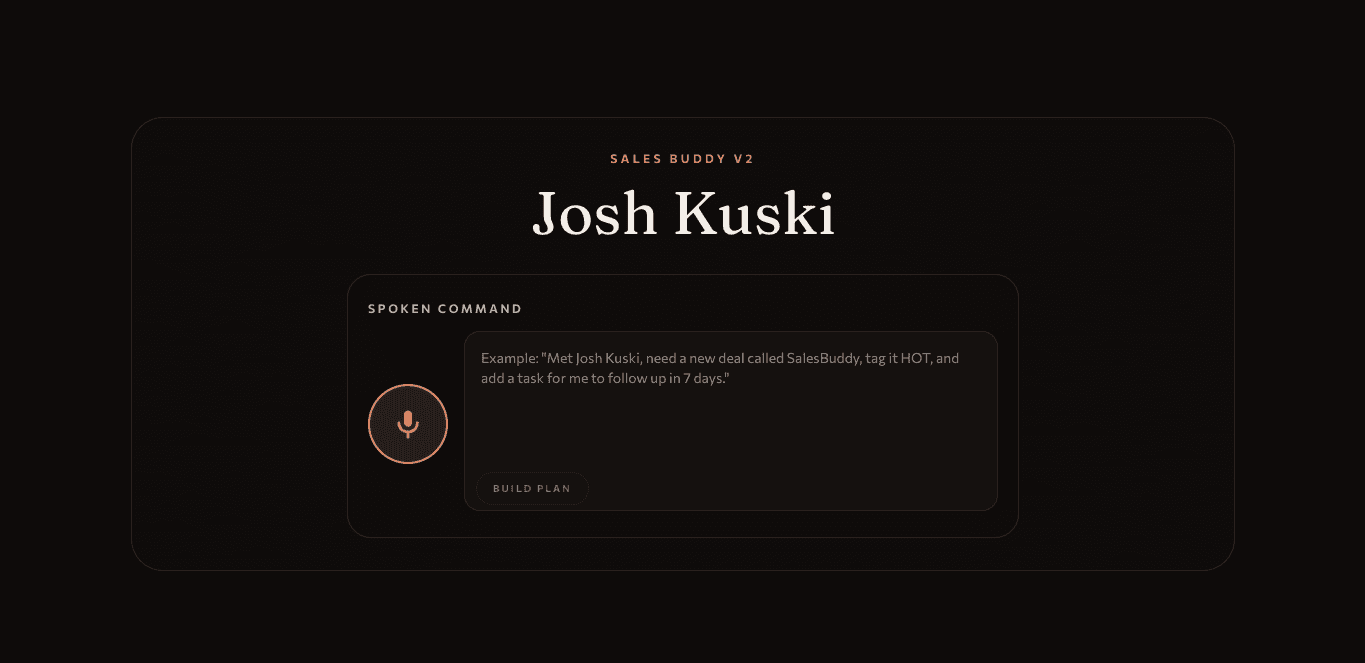
Handoff screen
Repo-local screenshot showing another view of the CRM handoff workflow.
Workflow
How the workflow runs.
- 1
A meeting transcript is captured in Fireflies.
- 2
The workflow extracts notes and follow-up actions from the transcript.
- 3
Tasks are assigned to the right users and attached to the correct Zoho CRM records.
- 4
The CRM becomes the operational record instead of leaving actions in the transcript tool.
What the owner sees
A clearer list of follow-up work from the meeting.
Notes attached where the team already manages customer records.
Tasks assigned to the right people.
Less manual copying between transcript, notes, and CRM.
Human review point
The automation prepares notes and tasks. The team still reviews unusual commitments, customer-sensitive wording, and any action that affects a real relationship.
Connection to AI Audit
AI Audit checks where transcript follow-up is breaking down and whether CRM routing is the right first automation.
View AI AuditConnection to launch work
A Launch Sprint can connect the client's meeting tool, CRM, task rules, and owner review point into a small production workflow.
View AI AutomationGrounded artifacts
- Repo-local Sales Buddy screenshots in public/portfolio/salesbuddy.
- Portfolio project copy names Fireflies, Zoho CRM, notes, tasks, owner assignment, and record attachment.
- The proof is framed as workflow handoff, not claimed revenue or customer metrics.
Follow-up assets needed
- Add an anonymized before/after transcript-to-task walkthrough.
- Add permissioned CRM screenshots showing records after task creation.
Bring your version